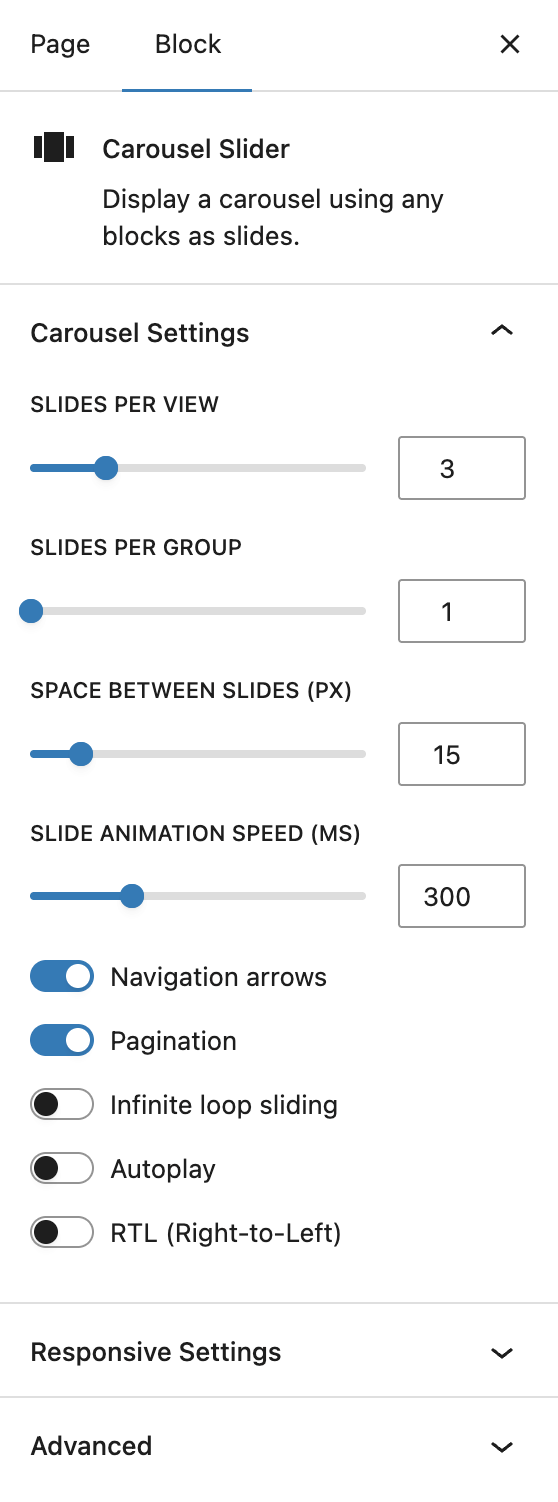
Adding Slides
Add the Carousel Slider
Insert the Carousel Slider block from the Design category in the block inserter.

Add a Slide
Click the + button at the end of the carousel to create a new slide. You can adjust slides per view and other carousel options in the Carousel Slider settings.

Add Content Inside a Slide
Each slide is a normal Gutenberg block area. Add any block inside it, such as:
- Image
- Cover
- Media & Text
- Pullquote
- Heading
- Paragraph
- Buttons
- Embed
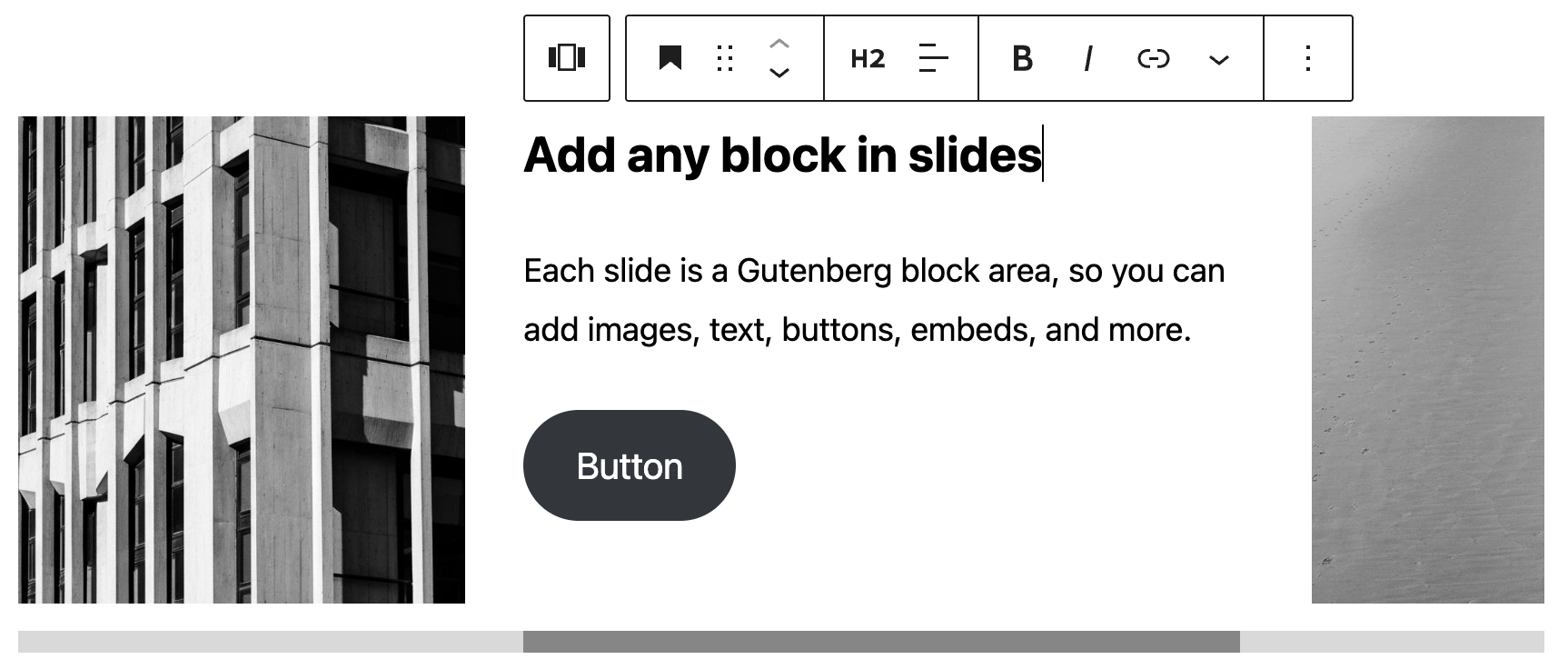
Preview Slides in the Editor
Use the horizontal scrollbar to preview the slides inside the editor.
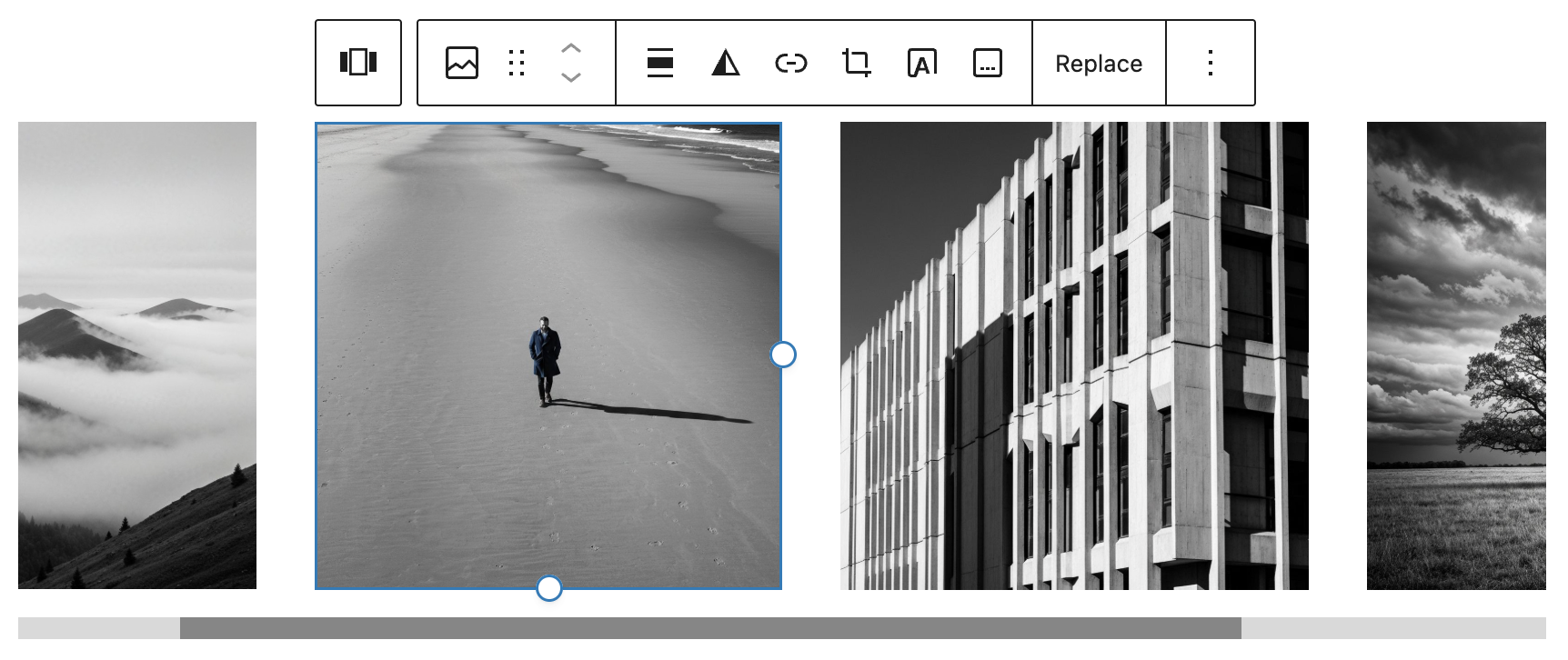
Manage Slides
Select a slide and use the left and right arrow buttons in the toolbar to move it. To duplicate a slide, open the three-dot menu above it and choose Duplicate. To delete a slide, open the same menu and choose Remove.
Edit Carousel Slider Settings
Select the main Carousel Slider block that wraps the slides to open the carousel settings in the sidebar.